Your records and leaving
Your records are yours. How to download them, who can see what, and what happens if you ever leave.
Downloading everything
Everything in your app is yours, every record and every file. You can download it any time, and you don't need to ask anyone.
- Go to Settings → Your records.
- Choose Download everything.
- Your browser or phone saves one zip file, wherever it keeps downloads.
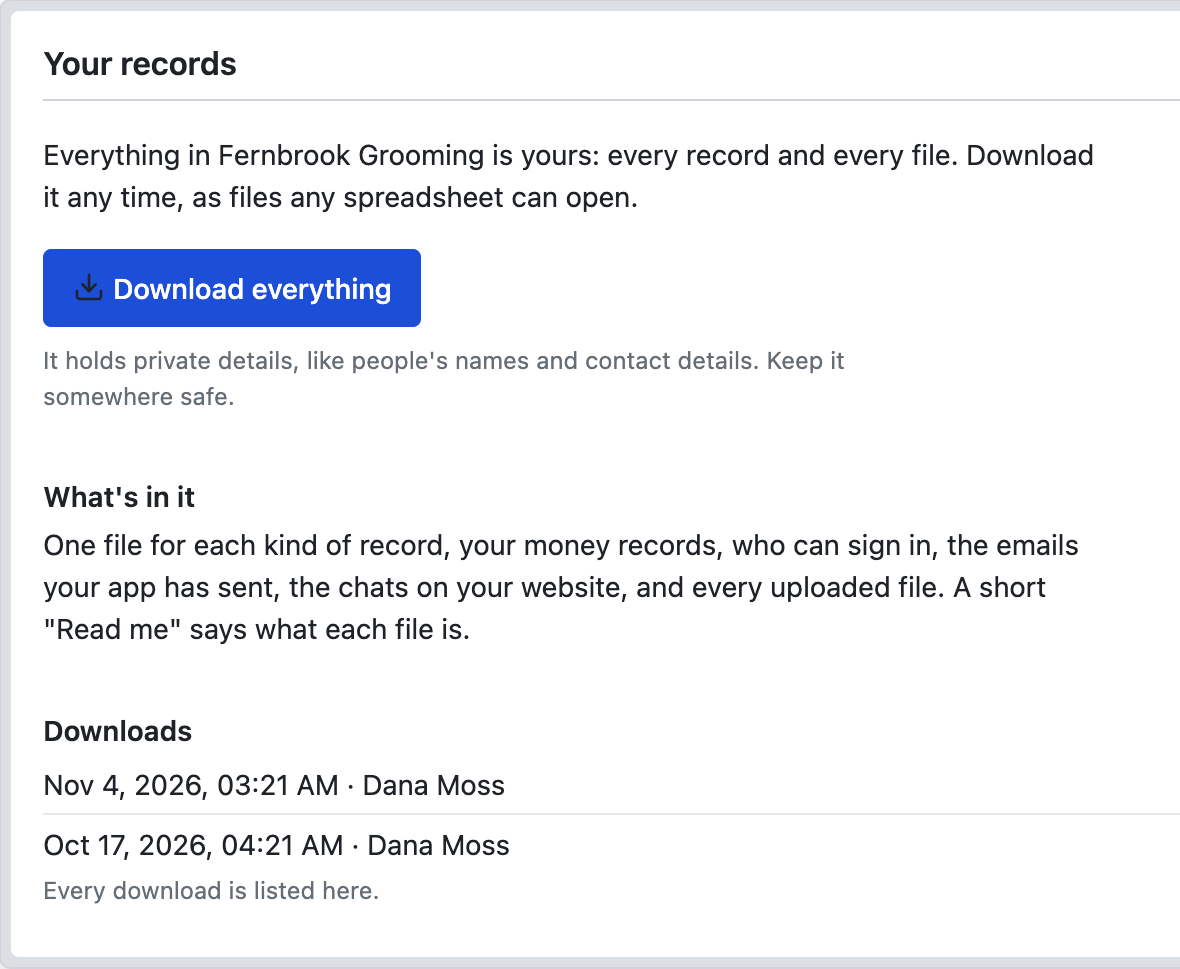
Inside are plain files any spreadsheet can open: one for each kind of record, your money records, who can sign in, the emails your app has sent, the chats on your website, and every uploaded file. A short "Read me" says what each file is. Passwords are never included.
Keep it somewhere safe. The download holds private details, like people's names and contact details. Only you, the owner, can make one, and every download is listed on the page.
Who can see what
- You: everything.
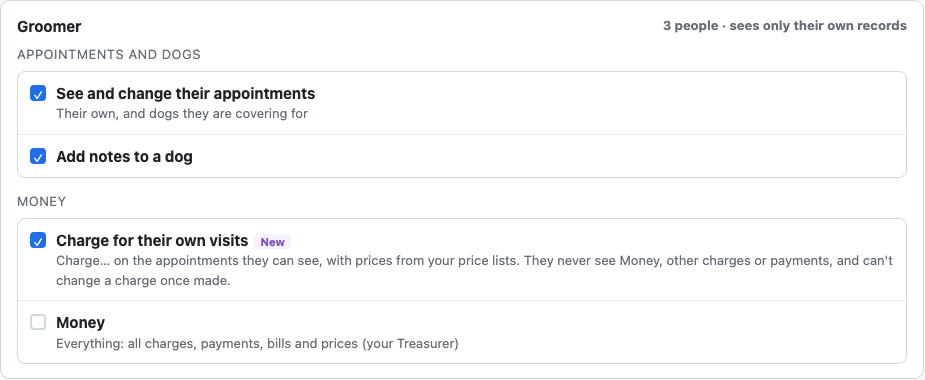
- Your staff: what their role allows. To start with, that's everything except money, and only you can delete. Some can be limited to their own records, such as a groomer seeing only their own appointments.
- Your customers: if your app has a sign-in page for them, only what's theirs.
- Your helpers: they work inside your app, with your records and the tools you've connected. Iris reads outside your app, but she never reads your records.
A detail can also be kept from certain people, such as test results or a gate code. Before you go live, What I decided for you lists who can't see what.
Changing what staff can do
To change what a kind of staff can do or see, tell Gregory. To add or remove a person, use Users.
If you want to leave
You can cancel any time, with no call and no email.
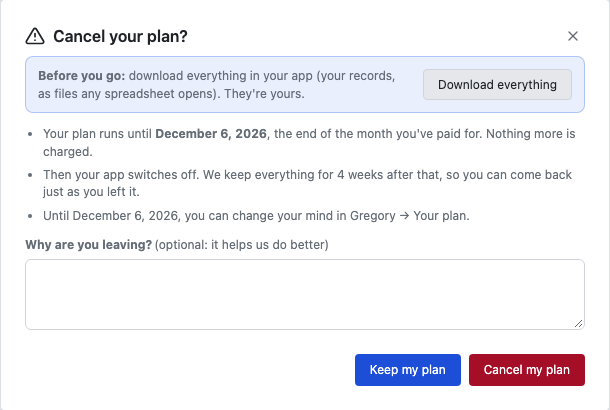
- Open Gregory, then Your plan, and choose Cancel my plan.
- Choose Download everything if you'd like a copy of your records. They're yours.
- Tell us why you're leaving, if you like, and choose Cancel my plan.
What happens next
- Your plan runs to the end of the month you've paid for. Nothing more is charged.
- Your app then switches off. We email you a reminder 3 days before.
- We keep everything for 4 weeks after that, in case you change your mind, before it's removed.
- Any AI you've added ends with your plan.
Download your records before your app switches off. After that, you'd need to ask us for them at support@ask-gregory.com.
If you change your mind
Until your plan ends, choose Keep my plan in Gregory → Your plan, and it carries on as before.
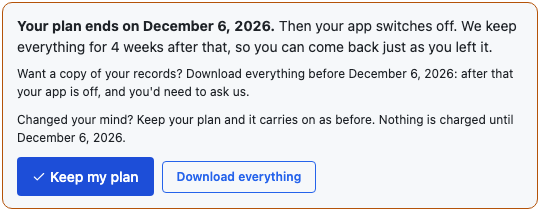
After your app has switched off, you can come back within the 4 weeks. Email support@ask-gregory.com, and we'll switch it back on, with everything just as you left it. You then start your plan again from Gregory → Your plan, at the current price, and the first month is paid then.
Privacy
Our privacy page covers this website and the waitlist. A separate policy for Ask Gregory apps, and the information your business keeps in its app, will be published before sign-up opens.
If you're stuck
Ask Gregory. He answers questions about your app and tells you where to do things, and questions are free. You can also email support@ask-gregory.com.